OPEN ACCESS PRINTING
Come and do your own printing on the Riso!
This is the perfect option for folks who like a hands-on approach.
Print zines, business cards, art prints and more. Open Access printing is a DIY option, here
for you to create and experiment with a unique printing method.

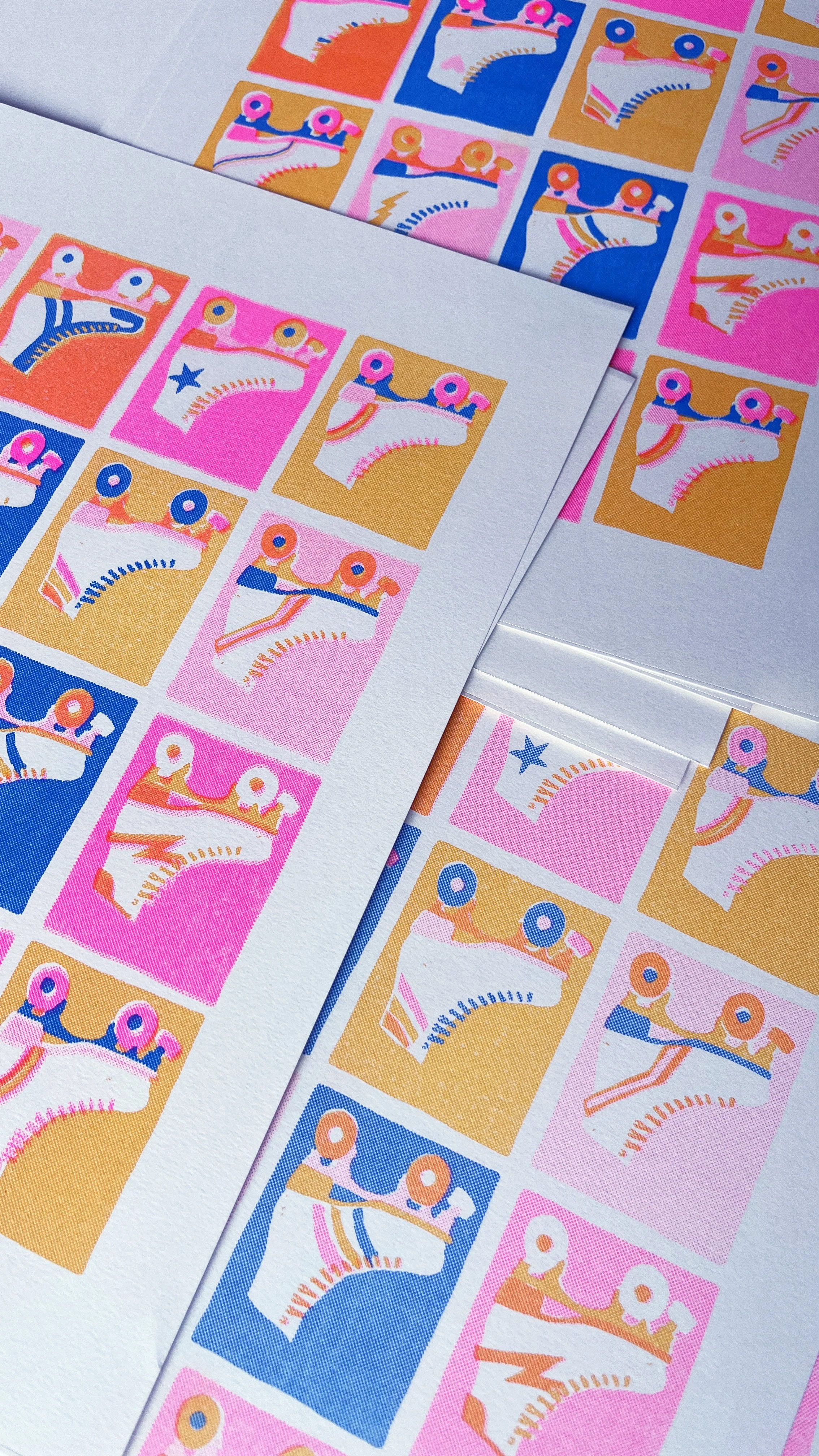
Artwork by Lysa Flower
Getting started
Figure out what kind of studio time is best for you!
-
DIY printing is reserved for folks who have completed either the Riso Basics or Zine Making workshop. If you have ample hands-on experience working with Riso, that’s great too!
The DIY sessions are meant to be self-directed. While we will be there to provide support, answer questions and help trouble shoot, it is expected that you will be using the equipment yourself.
If you have completed the Riso mini workshop or if you have a general understanding of Riso/file set up but have never done the printing yourself, please book an assisted printing session first.
If you are brand new to Riso printing, I strongly recomend starting off with any of our available workshops!
$25 for the first hour & $15/hour for additional time
-
Assisted printing session are for those who have some familiarity with Riso printing but aren’t fully confident in operating the equipment solo.
We will be there to help guide you through the entire printing process and help with file set up if needed.
$30/ hour
-
Making time can be for anything from starting a project to doing finishing touches.
Sometimes you just need a change of scenery to get stuff done. So come by the studio, hang out, get feedback, make something, bind something, cut something, do what you’ve gotta do.
This includes access to all studio equipment except for the Riso printer.
$15/ Hour

Studio Equipment/ Facilities
The Studio is equipped with an array of making, printing, trimming and binding supplies that you can use during your appointment.
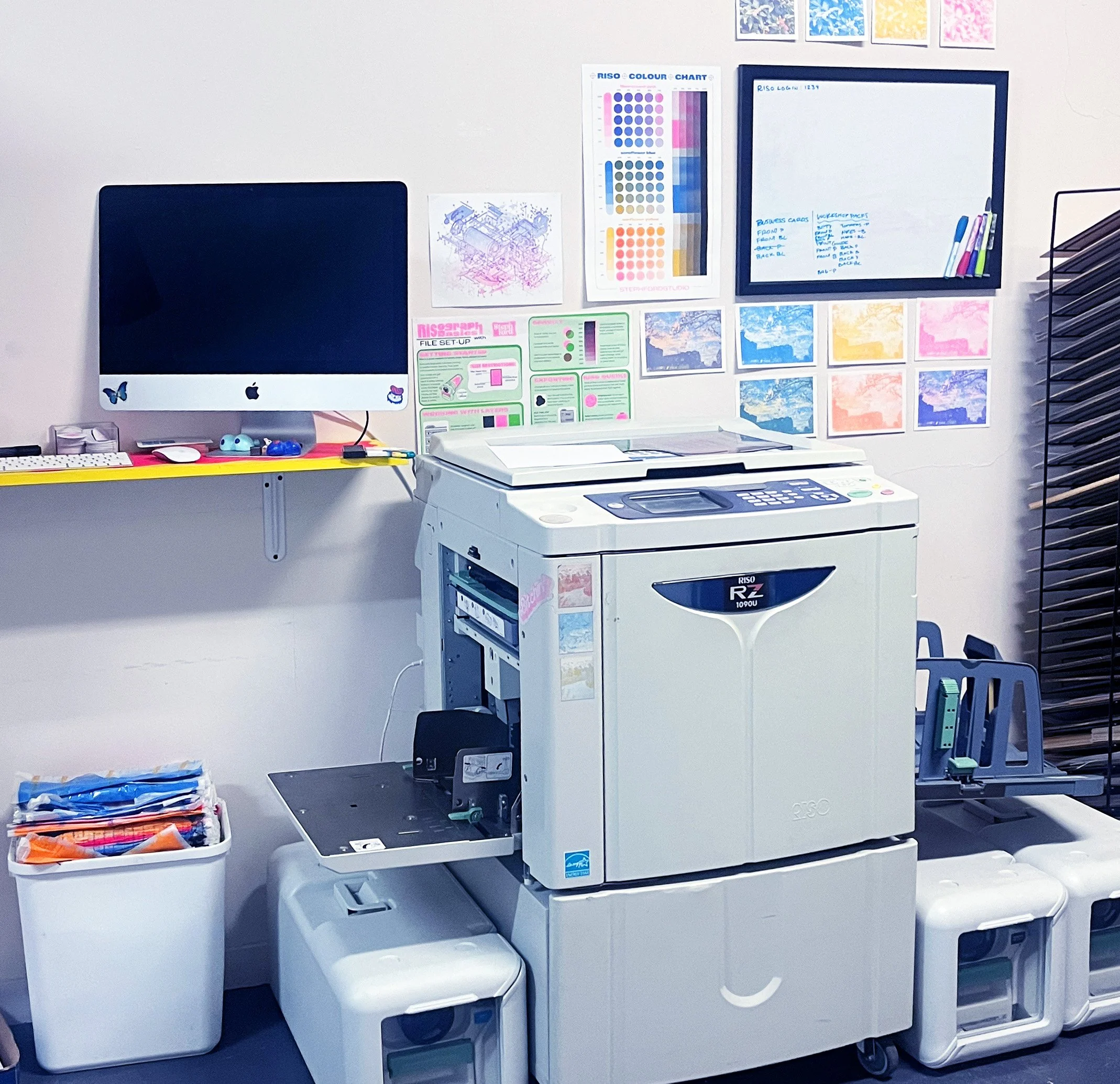
Risograph Printer: RZ1090U
4 available colours: Fluorescent Pink, Cornflower Blue, Sunflower Yellow & HD Black
Manual stack cutter: TEXALAN Heavy Duty A3-17”
Saddle stich stapler
Long reach stapler
Metal coil binding machine
sizes & colours subject to availability, if you have a specific request please ask!
Spiral binding machine
sizes & colours subject to availability, if you have a specific request please ask!
37mm Button/magnet Press & punch
Hand binding supplies: Awl, bone folder, thread, wax, PVA glue
A3 Lightbox
Basic mark making supplies: Pencils, pens, markers
Short-term storage of work between sessions
Pricing
DIY Printing - $25 for the first hour & $15/hour for additional time
Assisted Printing - $30/hour
Making Time- $15/hour
All studio time is booked by the hour and is non-refundable in the event of a no-show or cancellation within 24 hours. Extra or “unused” hours cannot be transferred to another day. You may be able to add extra time during your session, subject to availability.
Stencils - $1.50
Impressions - 10¢
Paper:
Letter - 8.5x11”
2Olb TEXT WHITE - 5¢
65lb COVER WHITE - 15¢
80lb COVER WHITE - 20¢
65lb COVER STARDUST - 20¢
90lb TEXT IVORY - 15¢
STICKER - 35¢Tabloid - 11x17”
20lb TEXT WHITE - 10¢
24lb TEXT IVORY - 15¢
100lb TEXT WHITE - 25¢
67lb COVER WHITE - 25¢
67lb COVER IVORY - 25¢
You can bring your own paper so long as it following these guidlines
Buttons:
10 for $5
20 for $10
50 for $20
100 for $35
Magnets:
10 for $7.5
20 for $15
50 for $30
100 for $45
Coils - 5 for $5
Staples - 20 (booklets) for $1
Prepare for your visit
Make the best use of your studio time by coming with your files print-ready!
What does a print-ready file look like?
(1) B&W PDF per colour, per page
Set to the appropriate paper size
Flatten or rasterize your artwork
Crop marks (if needed)
Or you can choose to bring in hard copy originals to print from.
All digital files have to be sent to the printer from the studio computer, which is old and only does one task (printing) - either bring in your computer, a flash drive with your files, or e-mail them before hand.
If you can, it is recommended that you coming in with your device incase any last minute changes need to be made to your files.